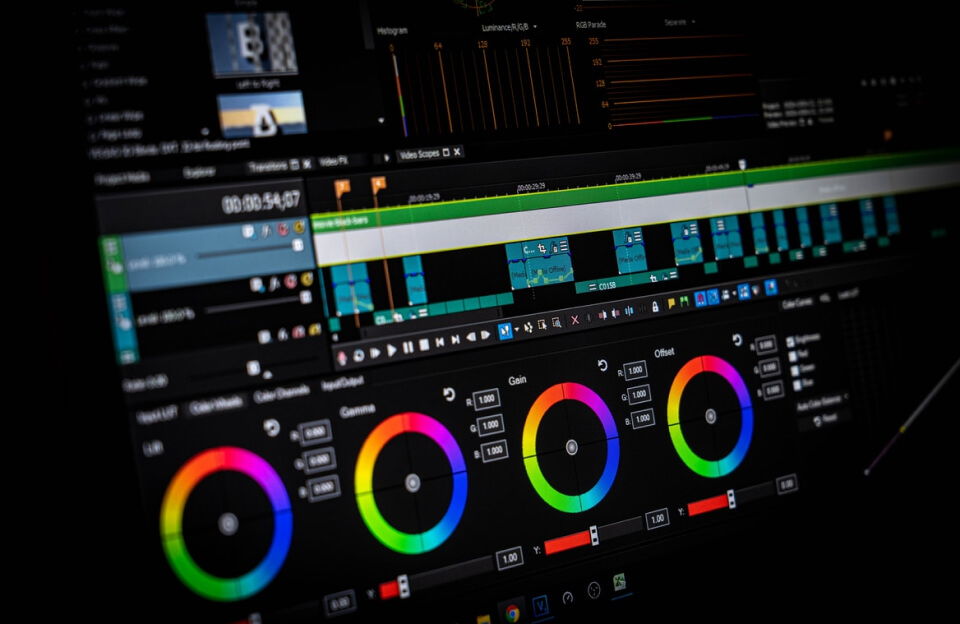

Computer-aided design (CAD) software has become a core tool for professionals working in engineering, architecture, and product design. These platforms allow users to create precise digital models, technical drawings, and simulations that support the development of complex structures and products. As CAD systems grow more advanced, many designers rely on keyboard shortcuts and workflow tools to improve efficiency.
Shortcuts allow users to quickly access commonly used commands without navigating multiple menus. Functions such as drawing lines, adjusting dimensions, or switching between views can often be completed with a single key combination. For professionals who spend hours working in design environments, these small time savings can significantly speed up project development.
Training programs for CAD users increasingly emphasize the importance of mastering shortcuts and customizable interfaces. By learning these tools, designers can streamline repetitive tasks and focus more on creative and technical aspects of their projects.